RP library for exocad v4.2
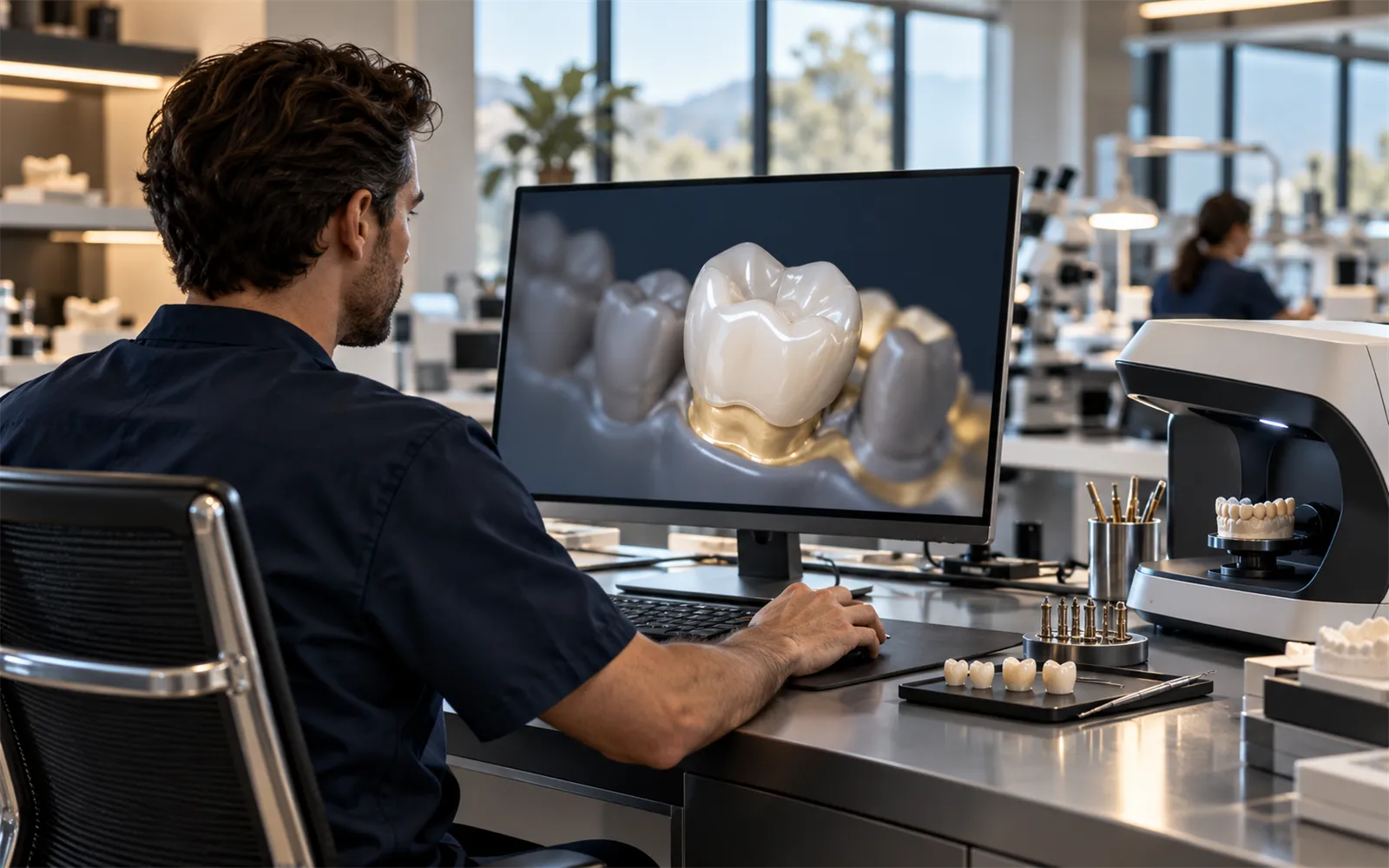
The RP implant library for DentalCAD covers 30 connections, with scan bodies and digital analogs matched to each system. Design the case on the same SKU you order for the bench.
- Connections
- 30
- Systems
- 28
- Version
- 4.2
Four steps to the implant library
Set it up once per workstation. The steps are the same for every connection in the library.
- 01
Download the zip
Get library v4.2 from rpcomponentes.com.br. Save the archive to a folder you can find again.
- 02
Unzip into the implant folder
Extract the archive into your exocad library, in the implant folder. Keep the RP folder structure as it comes.
- 03
Restart DentalCAD
Close DentalCAD completely and open it again, so the new implant library is loaded.
- 04
Pick RP Componentes
In the implant library, select RP Componentes. Each connection appears under its RP system name.
What's inside
Every implant system in the RP catalog, with its connection and the exocad entry that matches it. Each count links to the parts that fit that system.
| Brand | Line | Platform | Connection | exocad entry | Parts |
|---|---|---|---|---|---|
| Straumann | BLX / TLX | RB / WB | TorcFit™ internal | RP790 CM 3.5 a 6.5 RBWB ST | 20 |
| Straumann | Bone Level AP | NC / RC 4.6 | Internal | RP752 AP NC RC 4.6 ST | 3 |
| Straumann | Bone Level AP | NC 3.5 | Internal | RP751 AP NC 3.5 ST | 3 |
| Straumann | Bone Level | NC | CrossFit® internal | RP750 NC 3.3 ST | 21 |
| Straumann | Bone Level | RC | CrossFit® internal | RP755 RC 4.1 / 4.8 ST | 21 |
| Straumann | Tissue Level | RN | synOcta® internal | RP730 RN 3.3 / 4.1 / 4.8 ST | 3 |
| Straumann | Tissue Level | WN | synOcta® internal | RP736 WN 4.8 / 6.5 ST | 3 |
| Nobel Biocare | Brånemark System | RP | External hex | RP105 HE 3.75 / 4.0 / 4.1 BR | 10 |
| Nobel Biocare | Conical Connection | NP | Conical internal | RP320 CM 3.5 NP NB | 18 |
| Nobel Biocare | Conical Connection | RP | Conical internal | RP321 CM 4.3 / 5.0 RP NB | 18 |
| Neodent | Cone Morse | CM | Morse taper | RP703 CM 3.5 / 3.75 / 4.0 / 4.3 / 5.0 ND | 23 |
| Neodent | External Hex | NP | External hex | RP102 HE 3.3 / 3.5 ND | 8 |
| Neodent | Grand Morse | GM | Morse taper + hex | RP720 CM 3.5 / 3.75 / 4.0 / 4.3 / 5.0 GM ND | 29 |
| Dentsply Sirona | Astra Tech OsseoSpeed™ TX | 3.5 / 4.0 | Conical seal | RP701 CM 3.5 / 4.0 AT | 18 |
| Zimmer Biomet | External Hex | 3.4 | External hex | RP104 HE 3.25 / 3.4 TR | 8 |
| MIS | C1 | Conical | Conical + hex | RP801 CM 3.75 / 3.9 / 4.2 / 4.3 / 5.0 MI | 18 |
| MIS | SEVEN | NP | Internal hex | RP799 HI 3.3 MI | 18 |
| MIS | SEVEN | SP | Internal hex | RP800 HI 3.7 / 4.2 MI | 18 |
| S.I.N. | SW Internal Hex | HI | Internal hex | RP316 HI 3.75 / 3.8 / 4.0 / 4.5 / 5.0 SI | 18 |
| S.I.N. | SW Morse | CM | Morse taper | RP712 CM 3.5 / 3.8 / 4.5 / 5.0 SI | 23 |
| Implacil De Bortoli | Internal Hex | 3.5 | Internal hex | RP208 HI 3.3 / 3.5 UN | 13 |
| Implacil De Bortoli | Internal Hex | 4.1 | Internal hex | RP209 HI 3.75 / 4.0 / 4.3 / 4.75 / 5.0 UN | 13 |
| Conexão | Cone Morse | CM | Morse taper | RP705 CM 3.5 / 3.75 / 4.0 / 4.3 / 5.0 CN | 18 |
| External Hex · universal | Regular | 4.1 | External hex | RP108_HE_36_50_TR | 13 |
| External Hex · universal | Wide | 5.0 | External hex | RP110 HE 5.0 RE | 3 |
| External Hex · universal | Wide TF | 5.0 | External hex | RP112 HE 5.0 TF | 3 |
| Morse taper · universal | Conical DB | 3.5 – 5.0 | Morse taper | RP714_CM_35_43_50_DB | 23 |
| Morse taper · universal | Conical MD | 3.5 – 5.0 | Morse taper | RP716_CM_35_40_50_MD | 23 |
Trademarks of implant makers are used only to identify compatibility. RP is not affiliated with or endorsed by them.
Kept current, release by release
Each release adds systems or refreshes scan bodies. Download the current version from rpcomponentes.com.br.
- v4.2Current
- Added systems
- Updated scan bodies
- v4.1
- Added systems
- Updated scan bodies
- v4.0
- Initial RP library for exocad
Library not showing up after install?
Check the folder path and restart DentalCAD. If it still does not load, our team can walk you through it.